
Installing onboard equipment: planning a fleet rollout
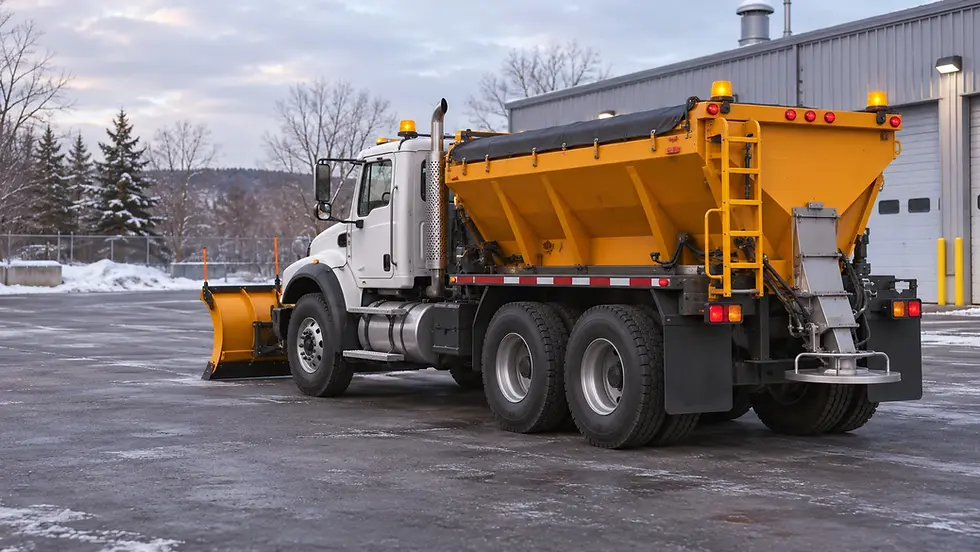
Generated illustration showing equipment preparation before a fleet rollout.
Installing a camera, a telematics unit or a data module is one part of a fleet management project. The installation also has to account for how people work in the field, the limitations of the vehicle and the information that teams expect to find in their reports.
Électronique SSB supplies the products and InstallaFex carries out the installations. Customers, users, suppliers and technical partners each bring different expertise. Planning the rollout gives them a common basis for making decisions, installing the equipment and checking that it works as intended.
Define the outcome you need
Start with the operational need. Does a driver need a better view during a manoeuvre? Do you want a proximity alert, access to recorded video or a particular reading in your telematics platform?
That detail helps determine which equipment to choose and how to test it. It also helps distinguish immediate priorities from options you can examine later. Start with the vehicle, how it is used and who uses it.
Bring the right people together
InstallaFex adapts its technical approach to each customer through discussions with the people involved. Drivers know their daily routines. Maintenance staff know the vehicle. Engineers and manufacturers explain the equipment requirements. Telematics and data specialists identify the information they need. Installers draw on their field experience to turn those conversations into a workable configuration.
People may use different words for the same function. Restate the need in terms everyone understands, check that they agree on its meaning and settle on a result they can observe. InstallaFex helps by passing technical questions and field observations between the people involved.
For example, a request to “know when the blade is down” needs a few follow-up questions. What signal does the vehicle provide? What does it mean, how will it appear and who will use it? A control signal and a measured blade position describe different things. Clarifying the distinction gives the driver, installer and report user a common understanding of the data.
Include fleet management from the outset
Plan around the fleet management system already in use. With Geotab and the MyGeotab platform, data from the vehicle and compatible equipment can help track operations. AttriX is a Geotab integrator offering solutions and support to fleets. When AttriX takes part in a project, coordinate installation with its team and the customer.
The same approach applies to other fleet management providers. Identify the data you need, the available interfaces, the features that are active and the compatibility checks still required. Adding a camera or sensor does not automatically make its images or data available in the existing platform.
Agree on each participant’s role
Before work begins, assign responsibilities and identify contacts, taking the customer’s existing partner relationships into account. Depending on the project, the following people contribute:
Managers, drivers and operators identify needs, actual use, operating constraints and user feedback.
Shop and maintenance staff describe vehicle condition, existing equipment and maintenance requirements.
Électronique SSB helps select products and provides the technical references needed to assess them.
InstallaFex and the installers involved plan the installation, make connections and vehicle-specific adaptations, and carry out the agreed checks.
Manufacturers, suppliers and engineers explain the equipment’s technical requirements, interfaces and limitations.
The fleet management partner, such as AttriX, helps configure the platform and validate the data with the other participants, according to its role in the project.
IT teams, analysts and third-party data users identify the access permissions, units of measurement, formats and reports they need.
A shared record can capture the need, decisions, responsibilities and acceptance criteria in terms everyone understands. Use observations from the first vehicle to update that record before continuing the rollout.
Prepare a technical inventory
Gather the information available on the vehicles and their existing systems. A monitor or camera model, a connector type or a change to a truck body can affect the work. Verify connections and compatibility for each configuration.
Vehicle types, models and number of units involved.
Existing electronic equipment and known part numbers.
Accessories, bodies or attachments that change the areas to be monitored.
Fleet platform and expected data, if integration is planned.
Vehicle access constraints and available technical documentation.
Identify variations before installing the equipment fleet-wide. The inventory can be simple as long as it matches each vehicle to the configuration it needs.
Arrange vehicle availability and installation locations
Build the schedule around operations. Identify when vehicles can be taken out of service, where the work will happen and who will make each vehicle available. Agree on how to handle missing vehicles or last-minute changes.
For a fleet rollout, agree with InstallaFex on the location, stages and arrangements for installation. Coordinate with the telematics partner when a device needs activation or the platform needs to be checked.
Test a representative vehicle first
Use the first vehicle to check mounting locations, monitor visibility, wiring routes and settings. Give users the opportunity to try the equipment and comment before repeating the installation.
Where vehicle families differ substantially, test one configuration that represents each family. This helps identify which adaptations are necessary and which parts of the installation can be standardized.

SSB / InstallaFex diagram showing how participants agree on responsibilities and checks.
Document the configuration you will repeat
Standardization makes follow-up easier when the equipment, settings and acceptance records are identified consistently. Keep the component part numbers, selected settings and details specific to the vehicles involved.
A tracking sheet can record the unit number, installed configuration, installation date, checks completed and outstanding items. For telematics projects, also verify how the vehicle is identified in the platform.
Base acceptance on how the equipment works
Acceptance tests should match the original need. Depending on the equipment, check the images displayed, selected views, alerts, recordings or data received by the platform. A power check alone does not verify all of those functions.
Agree with InstallaFex on the checks your professional installation requires and how to record the results. For telematics, have the partner and data users check that an observed event appears in the agreed report under the correct vehicle, with the expected time and value.
Prepare users and plan follow-up
Drivers and maintenance teams need to understand what the equipment shows, its limitations and the checks they should perform. A hands-on introduction can cover which views to use, what the warnings mean and what to report when something seems unusual.
Identify the support contact, the documents to retain and how you will equip the next vehicles. This preparation helps keep the configuration consistent as the fleet changes.
What to share to get started
Gather your requirements, vehicle list, existing equipment part numbers, fleet management platform name, contacts and timeline. Électronique SSB can help you choose products. InstallaFex can then plan the installations with the people involved. Use the first vehicle to validate the configuration and the data before repeating the work across the fleet.
Frequently asked questions about fleet rollouts
What should we prepare before the first installation?
Gather the vehicle list, details of the devices already installed, the fleet management platform name and the timeline. Include a concrete example of the outcome you need, such as the view a driver needs when reversing or the event a manager wants to find in a report.
How do we know when the first vehicle is ready to serve as a model?
Ask the people who will use the agreed functions to test them. The driver can confirm whether a view or alert is useful from the cab. For telematics, compare an observed event with the report for that vehicle. Record any adjustments before repeating the configuration on other units.
Who checks that data reaches MyGeotab?
InstallaFex checks the installation on the vehicle. The telematics partner and report users then verify that an event appears under the correct unit with the expected time and value. If AttriX is involved, coordinate this test with its team and the customer.
Plan the first vehicle installation
Électronique SSB supplies the products and InstallaFex installs them. Bring your requirements, timeline and fleet management partner into the planning process.


Comments