

What does your crew need to see?
A dashcam may cover what you need to review ahead of the truck. To see what happened during a collection stop, you may also need views of the lifting arm and hopper. Together we can plan which angles to record and which ones the driver should see on a compatible monitor.
Xirgo video systems
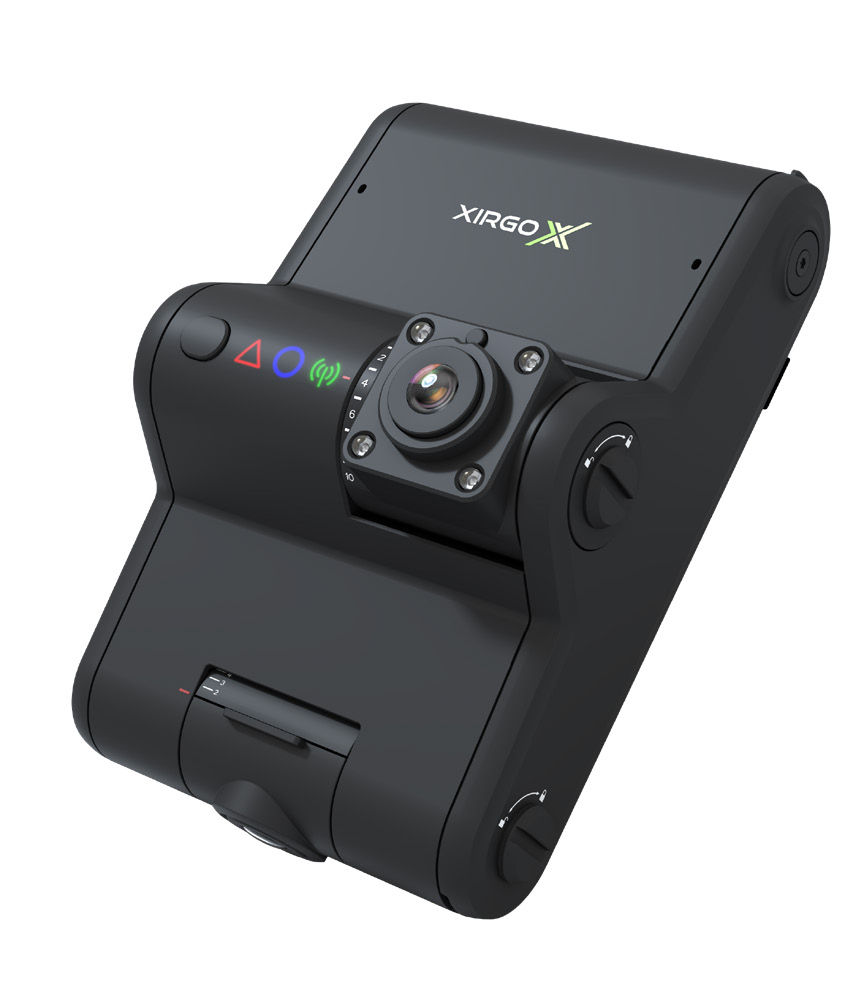 Enlarge photo
XVD-302 · AI dashcam
The XVD-302 records the road in HD and can alert the driver. An optional driver-facing camera can detect signs of distraction. With the OBDPRO cable, the footage can be paired with data from a compatible vehicle.
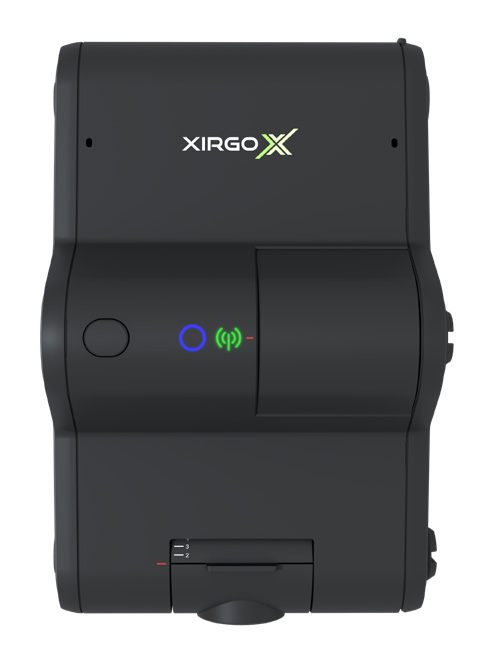 Road-only version
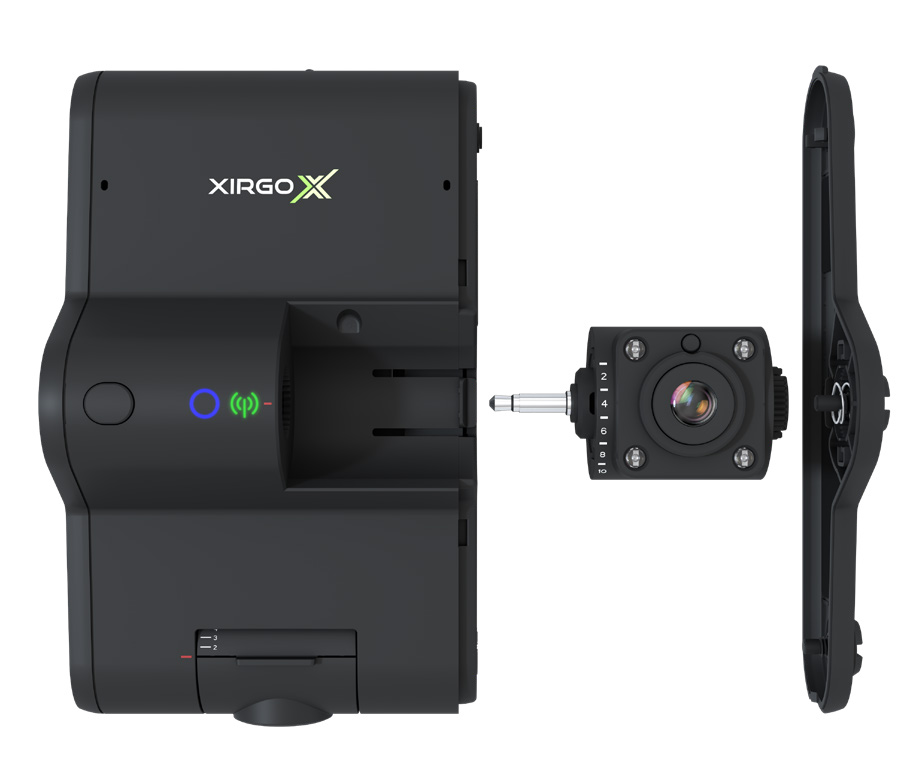 Driver-facing module
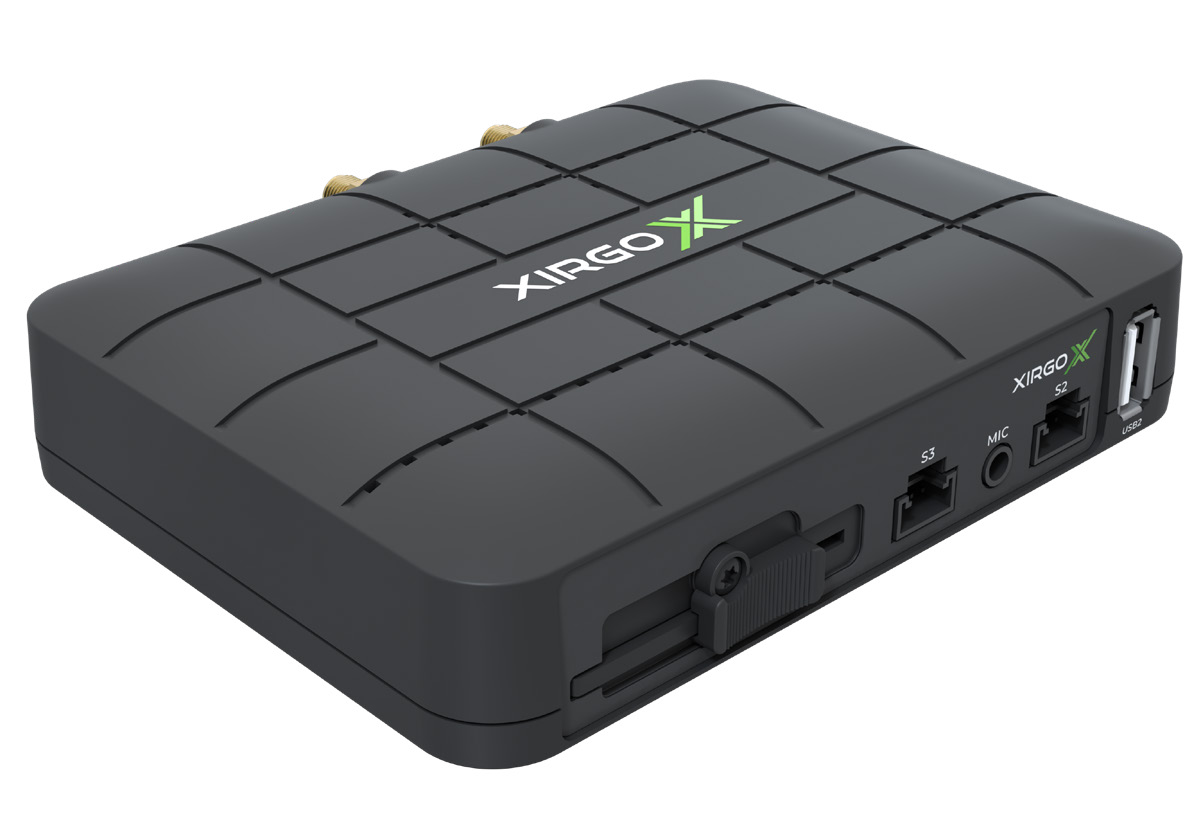 Enlarge photo
CP4S · Up to four cameras
The CP4S suits vehicles where four views cover the job. Record the road, both sides and the rear, for example, or dedicate one channel to a piece of equipment.
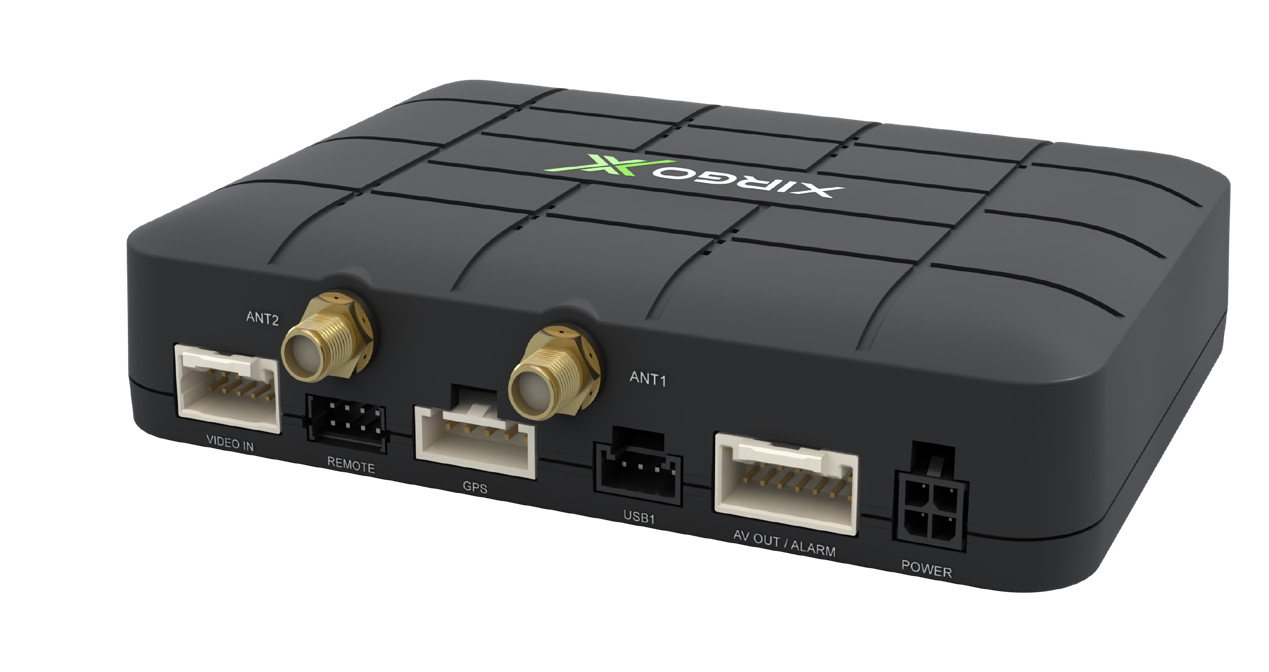 Rear connectors
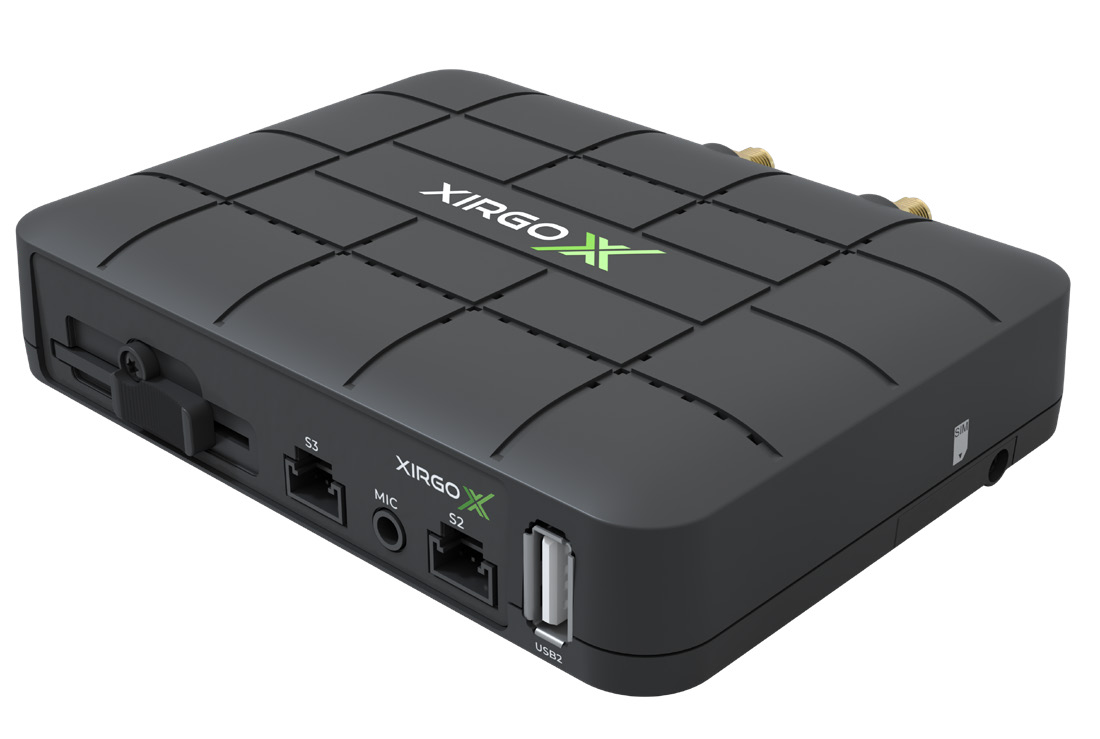 Opposite side
 Enlarge photo
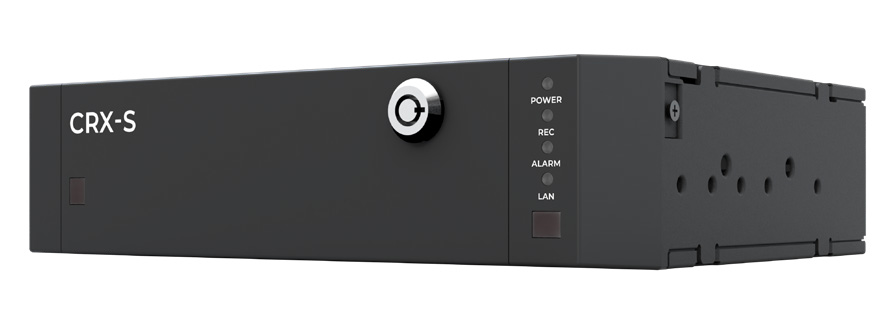
CRX-S · Eight-channel video recorder
The CRX-S records HD video from up to eight cameras. On a collection truck, it can capture separate views of the hopper, lifting arm and vehicle surroundings during the same operation.
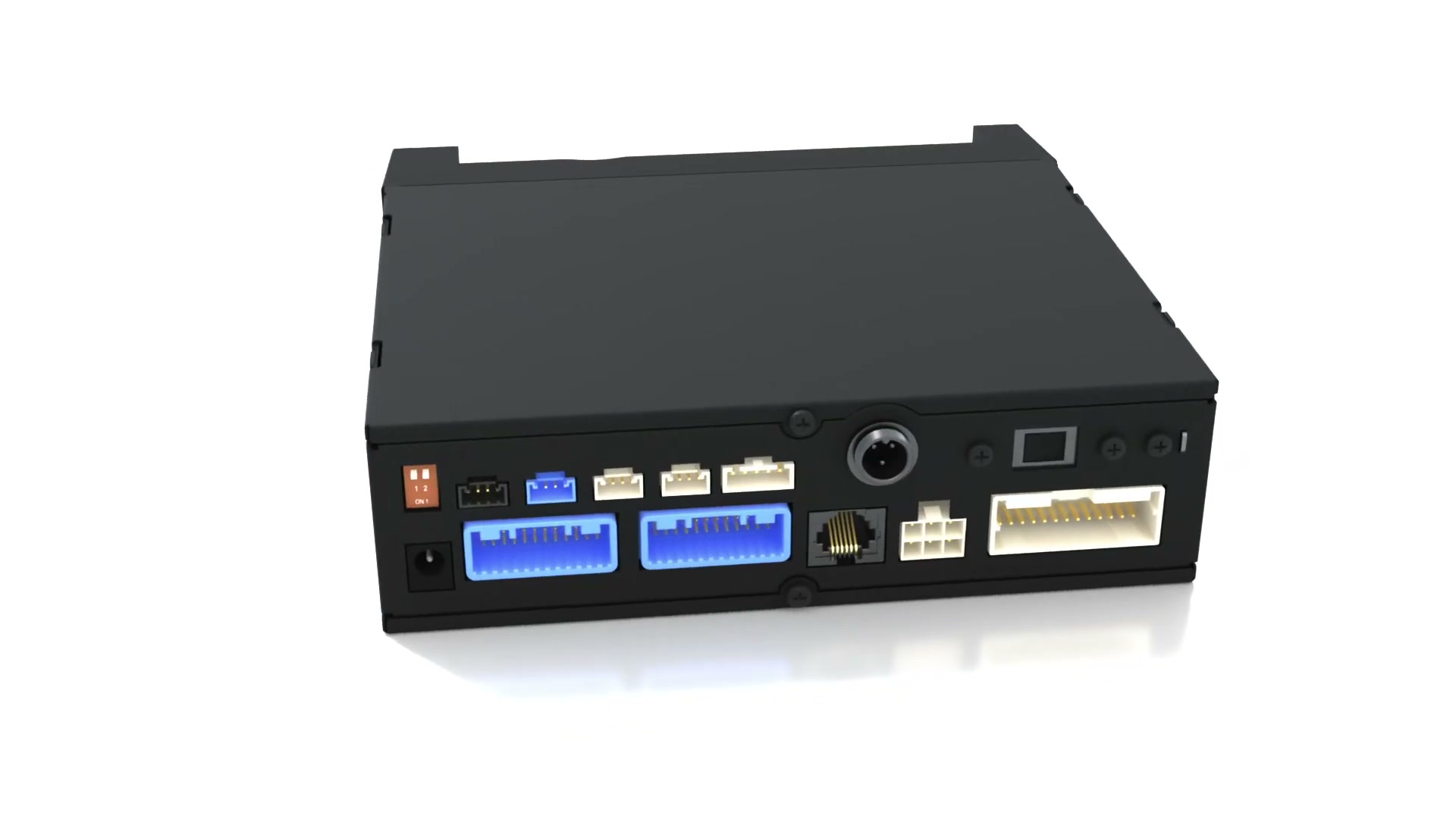 Rear connectors
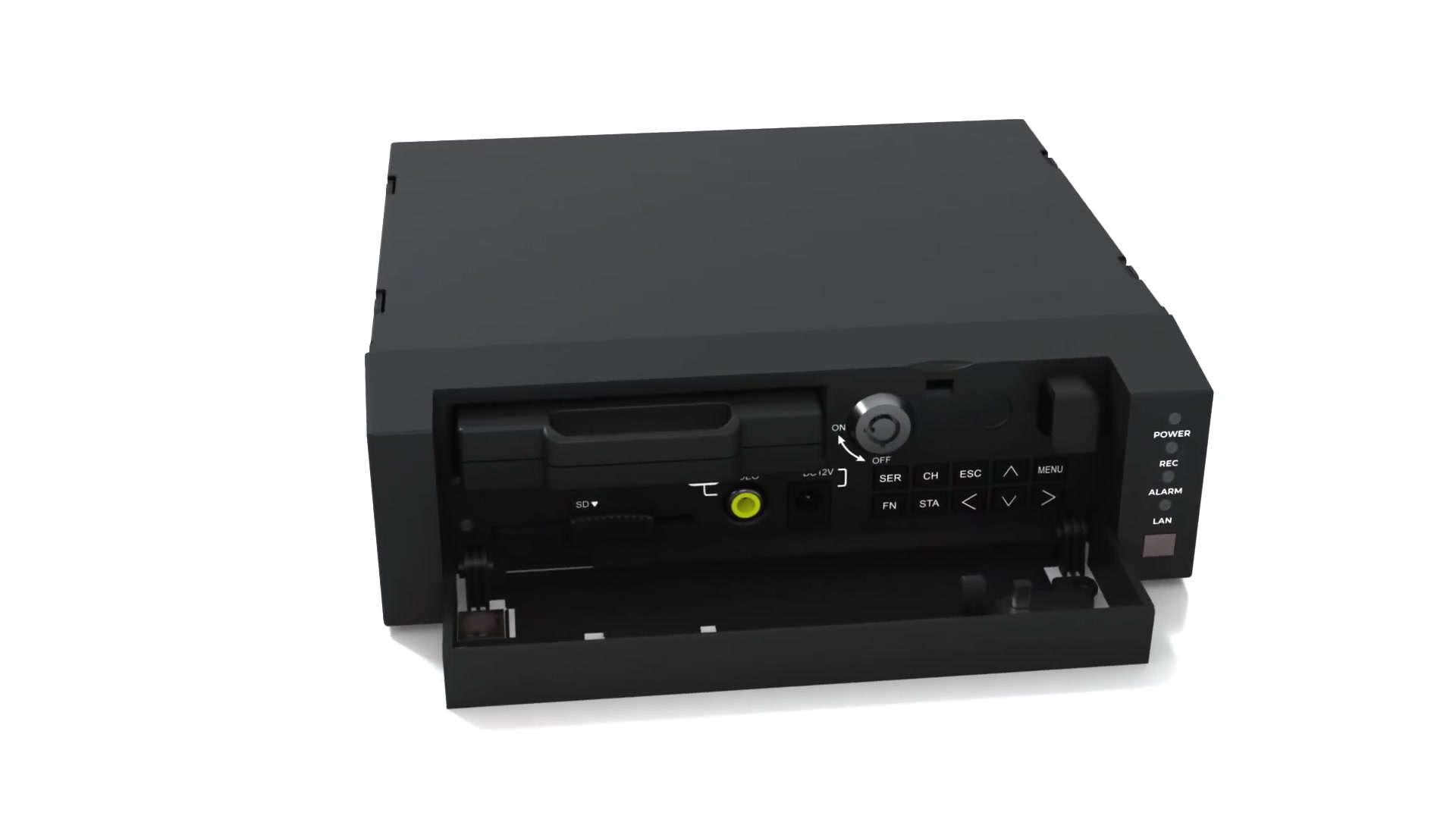 Front cover open
Review an event
After a hard brake or a reported manoeuvre, a fleet manager can compare the recorded views to understand what happened. Remote access depends on the connection and platform selected.
Reuse existing cameras
Électronique SSB checks your camera models, video formats, power requirements and connectors to determine which cameras can stay in service.
Install and check each view
InstallaFex agrees on mounting points with your crew, protects the wiring and checks the framing. During a test manoeuvre, the driver can confirm that the intended area is visible.
